Photo Submission Guide
Introduction
Thank you for contributing to our platform! This guide will help you submit high-quality photos. Please follow these guidelines to ensure your photos are suitable for our needs.
Image Requirements
- Resolution: Minimum 1024x768 pixels, recommended 1920x1080 pixels or higher.
- Format: JPEG or PNG.
- File Size: Maximum 5MB.
- Aspect Ratio: Follow the specific aspect ratio requested (if any). If no ratio is specified, 4:3 or 16:9 are generally preferred.
- Focus: Images should be sharp and in focus.
- Lighting: Good lighting is essential. Avoid overly dark, washed-out, or heavily shadowed images.
- Orientation: Submit photos in the correct orientation (portrait or landscape).
- Relevance: Photos must be relevant to the specific context.
- Clarity: The subject of the photo should be clear and easily identifiable.
- Composition: Consider the rule of thirds, leading lines, and other composition techniques.
- No Watermarks: Please do not include watermarks, logos, or other identifying marks on the image itself. Metadata is acceptable.
- No Text Overlays: Avoid adding text overlays to the image.
- Rights: You must have the right to submit the photo. Do not submit images that infringe on someone else's copyright.
- Authenticity: Do not heavily manipulate the image. Basic adjustments (cropping, color correction) are usually acceptable, but avoid alterations that significantly change the content.
Example Image and Explanation
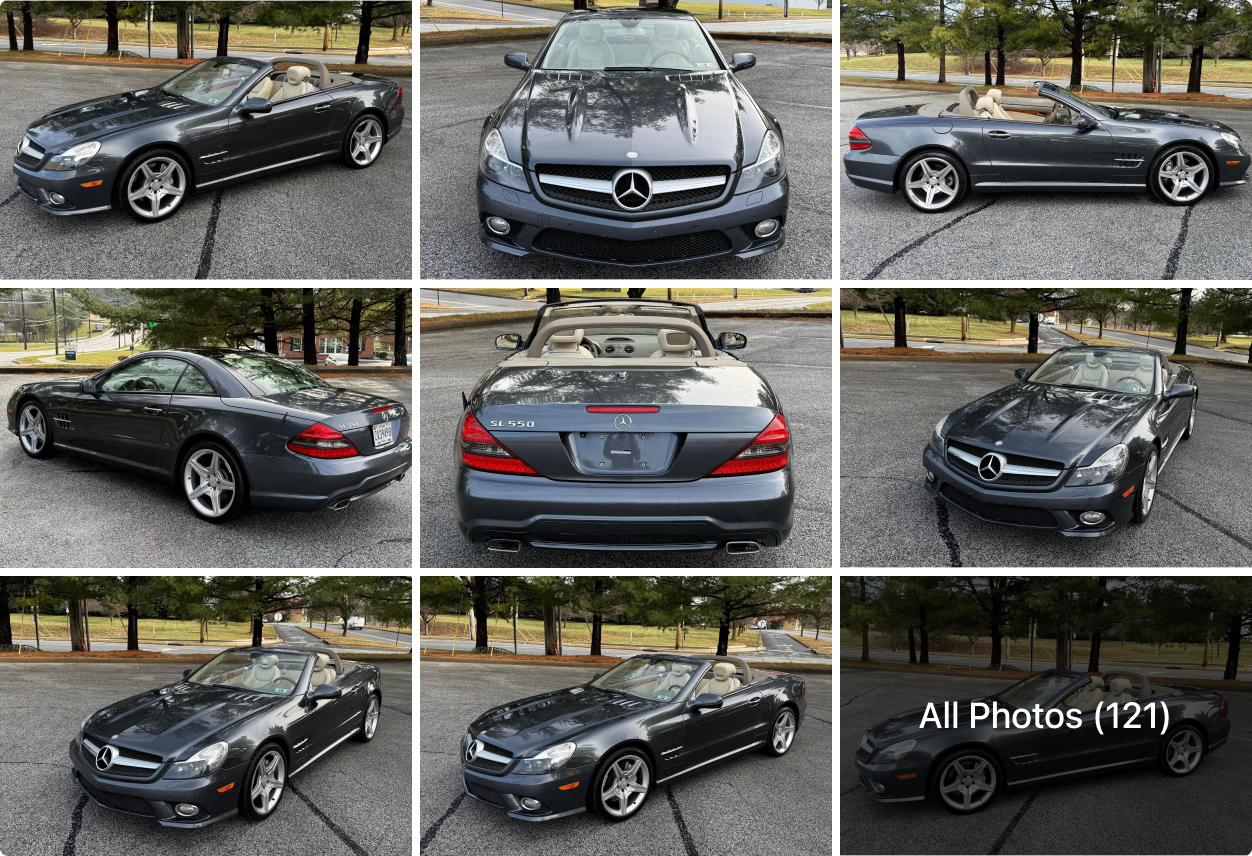
Example Photo
Good Example Explanation
- Clear subject with good focus.
- Appropriate resolution and aspect ratio.
- Good lighting and color balance.
- No watermarks or text overlays.
- Relevant to the context.
- Proper orientation.
Bad Example Explanation
- Blurry or out-of-focus subject.
- Low resolution or incorrect aspect ratio.
- Poor lighting (too dark, too bright, harsh shadows).
- Presence of watermarks or text overlays.
- Irrelevant to the context.
- Incorrect orientation.
Submission Process
To submit your photos, please follow these steps:
- Ensure your photo meets all the requirements outlined in this guide.
- Click the "Upload Photo" button on the submission page. (If applicable)
- Select the image file from your computer.
- Provide any necessary information, such as a description of the photo, location, and date.
- Agree to the terms and conditions.
- Submit your photo.
Contact
If you have any questions or need further assistance, please contact us at:
Email: support@example.com (Replace with actual email)
© 2025 CarEmax. All rights reserved. | Privacy Policy | Terms of Service